Time synchronization with platform charts
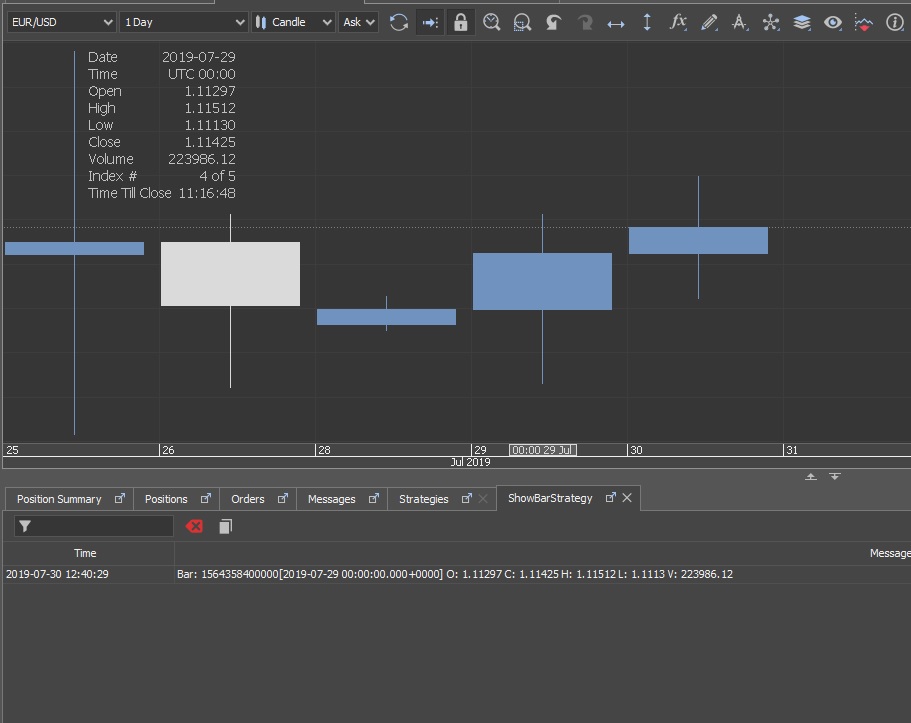
Comparing API bars vs. Chart candles
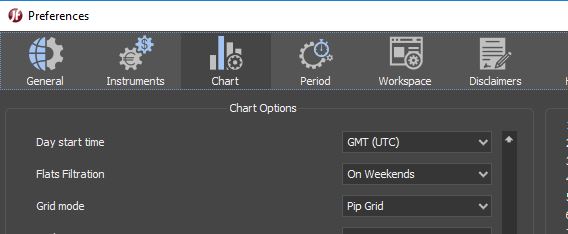
Strategy API method history.getBar() by default works in GMT timezone. For correct comparison chart need to have same settings. It can be changed in "Day Start Time" field in Chart preferences. Also make sure that you use the same filter. For example, if in history.getBar () you submit the Filter.NO_FILTER filter values, then you need to set the same in the chart settings.
Working with custom periods
In Strategy API you can use timezone different from GMT. For this you need to create custom period with direct JFTimezone indication.
        Period eetZoneDayPeriod = Period.createCustomPeriod(Unit.Day, 1, JFTimeZone.EET);
        history.getBar(Instrument.EURUSD, eetZoneDayPeriod, OfferSide.ASK, 1);
The information on this web site is provided only as general information, which may be incomplete or outdated. Click here for full disclaimer.