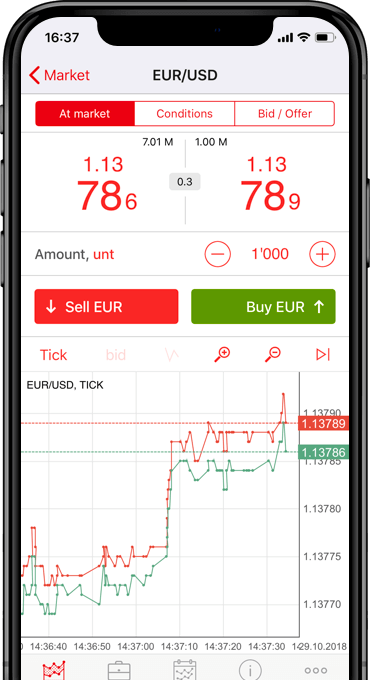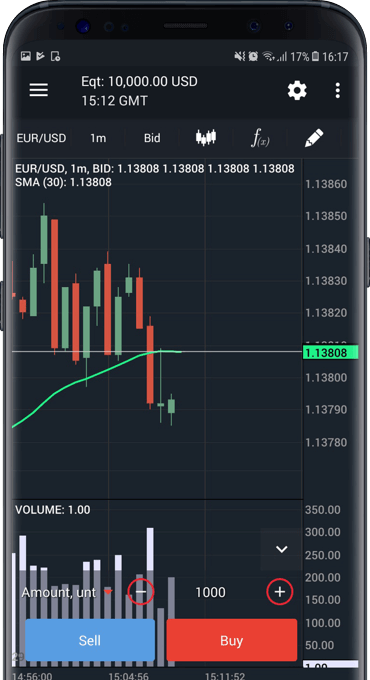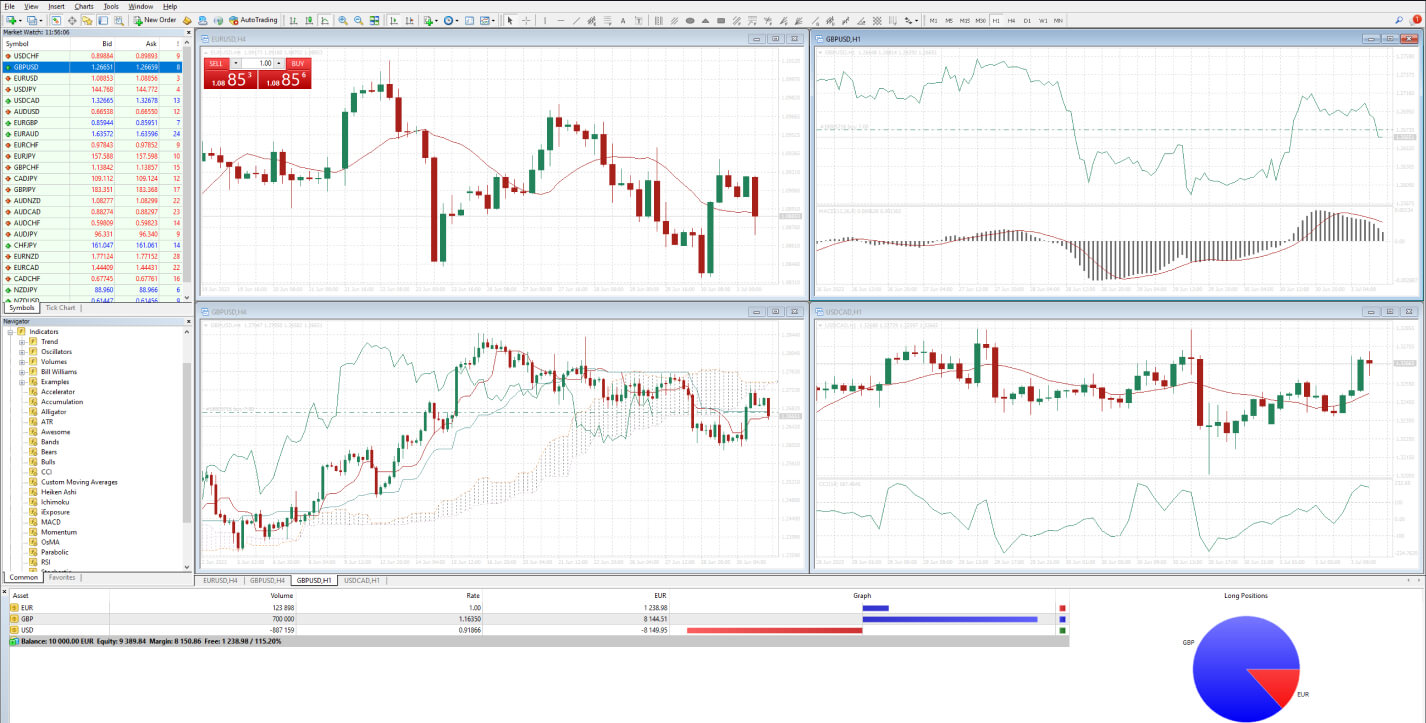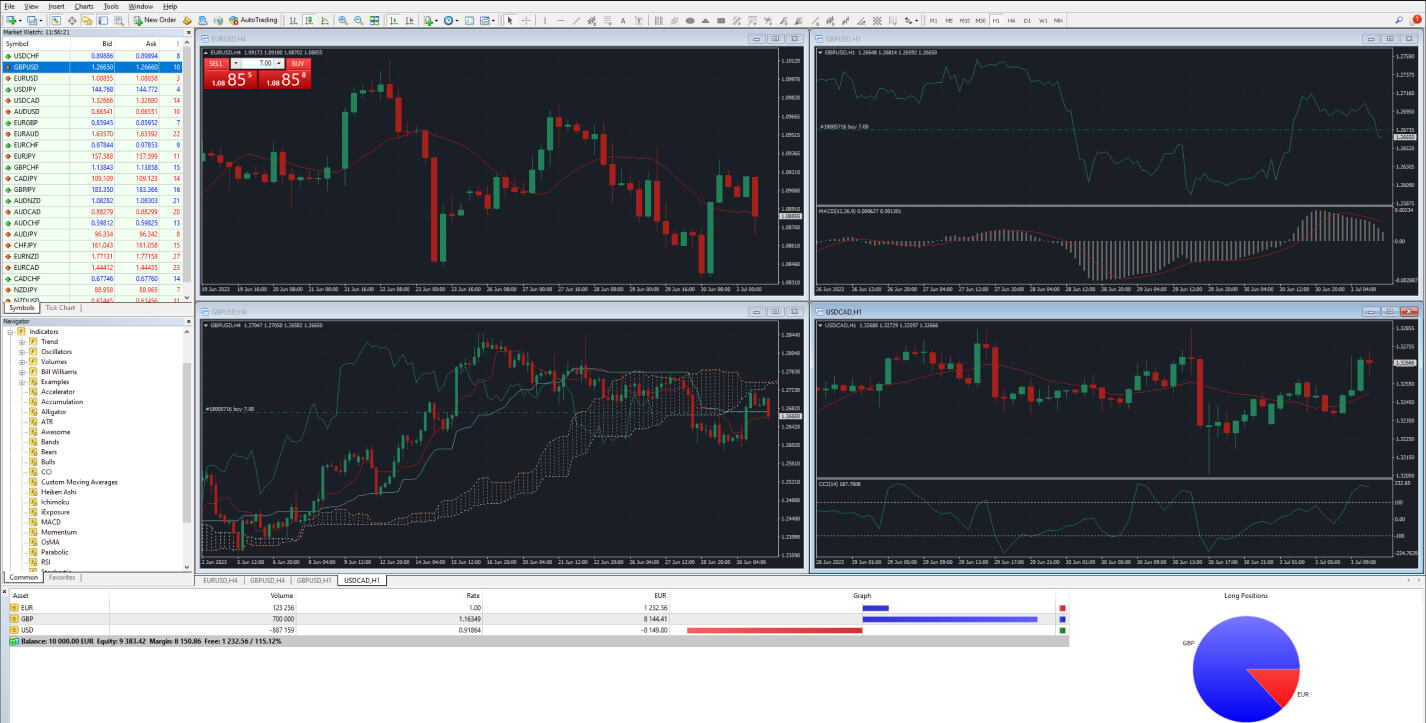


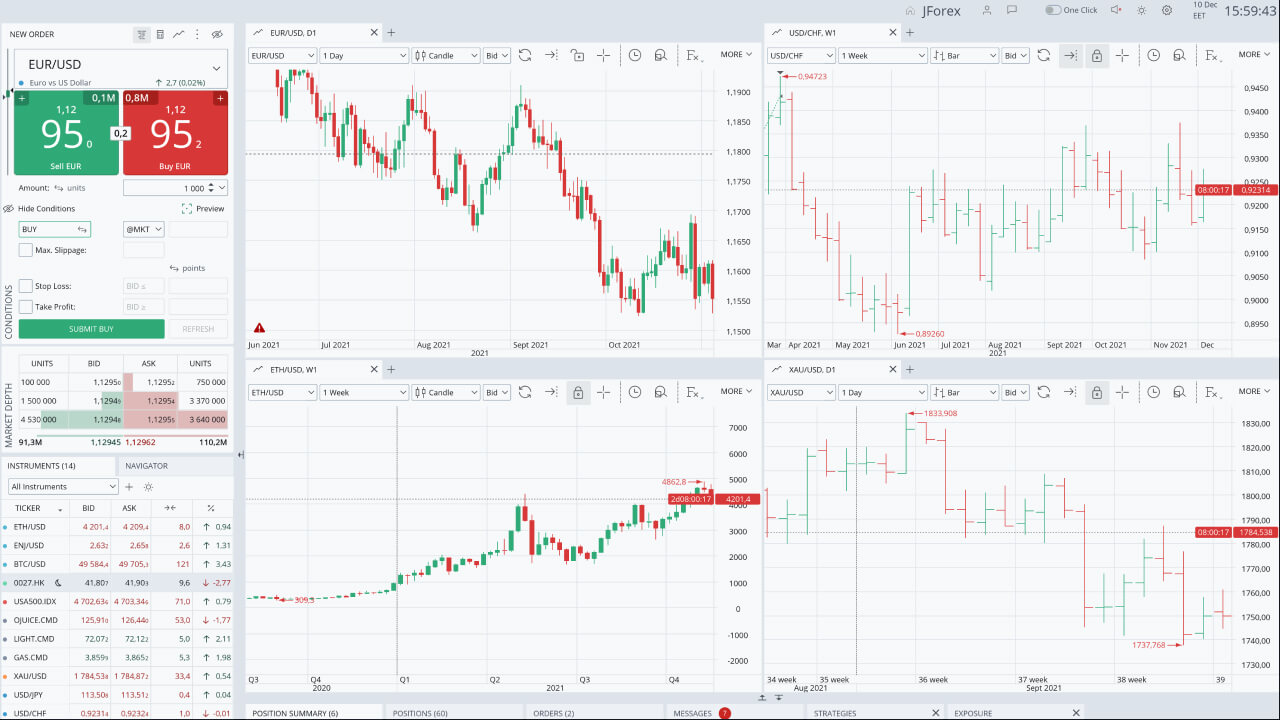
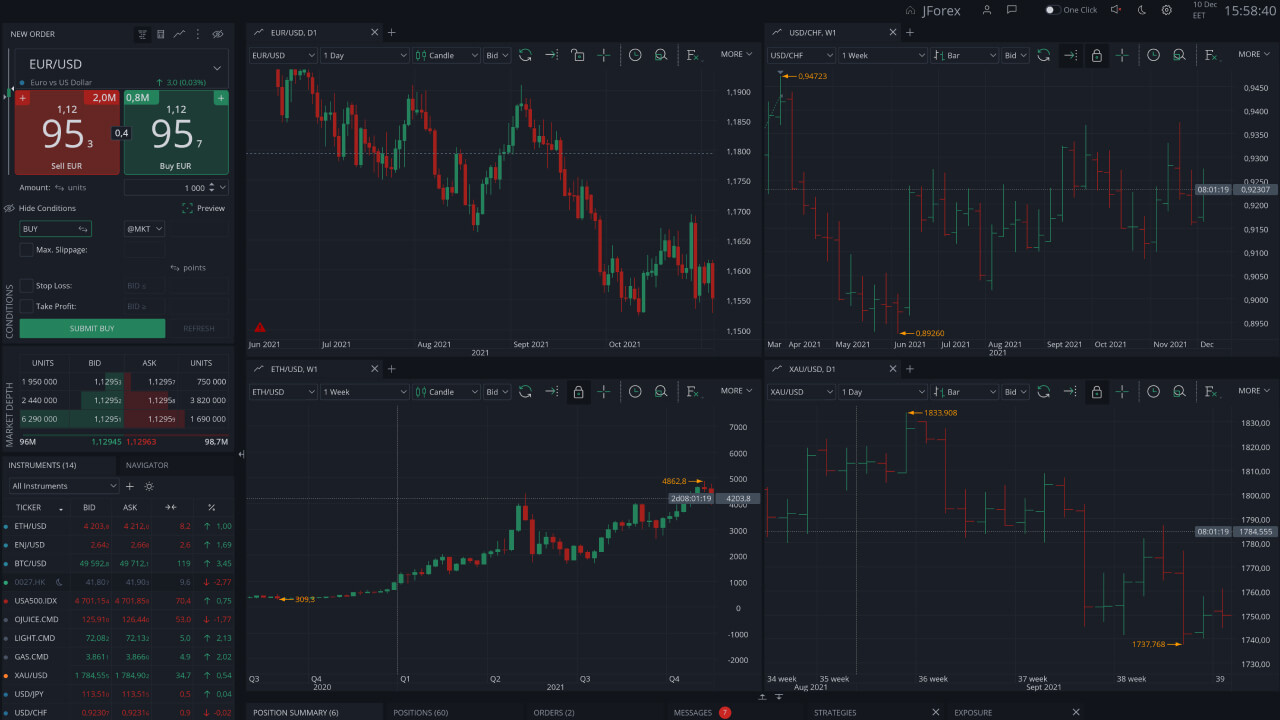

Forex/CFD Trading Platforms

Trading Products

Choose from 8 asset classes and get access to 1500+ trading instruments

  • Forex
  • Energy
  • Crypto
  • Metals
  • Indexes
  • Bonds
  • Stocks
  • ETFs
  • Right click to Buy and Sell right from the chart.
    Price history

    Tick-by-Tick Price History with Volumes

    View the history of the best BID/ASK prices and create customizable charts, including Renko, Kagi and Line Break. Detailed price history is also useful for testing automated trading strategies.

    Search instruments by typing their name.
    Slippage control

    Control unfavorable execution with Maximum Slippage

    Use the Maximum Slippage setting to define how much the execution price of market and Stop orders may differ unfavorably from the requested price. Set the value to zero to prevent execution at a worse price.

    Total liquidity might go beyond the 10 levels.
    Market depth

    Real-time Level 2 quotes with up to 10 price levels on each side

    Market Depth shows the volume of buy and sell orders at different price levels, helping traders identify where liquidity is concentrated.
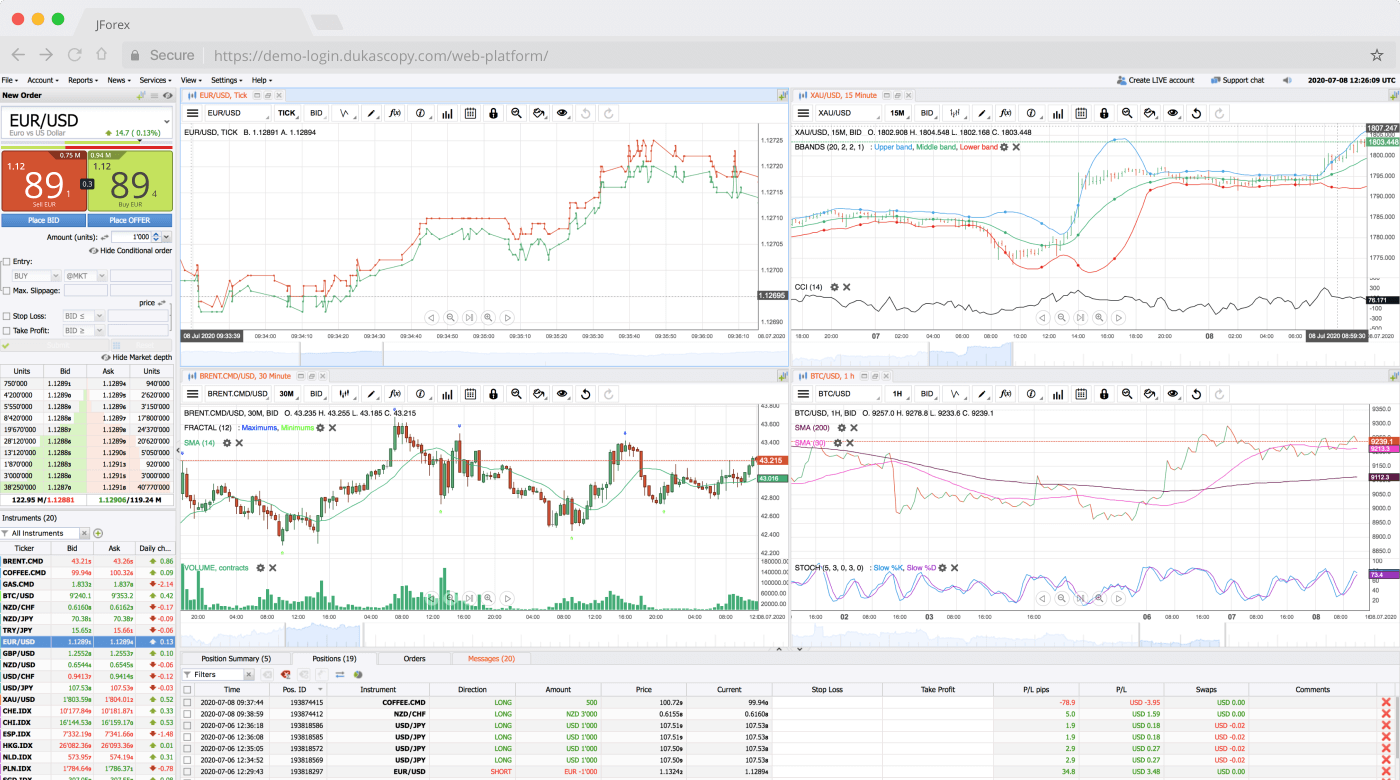
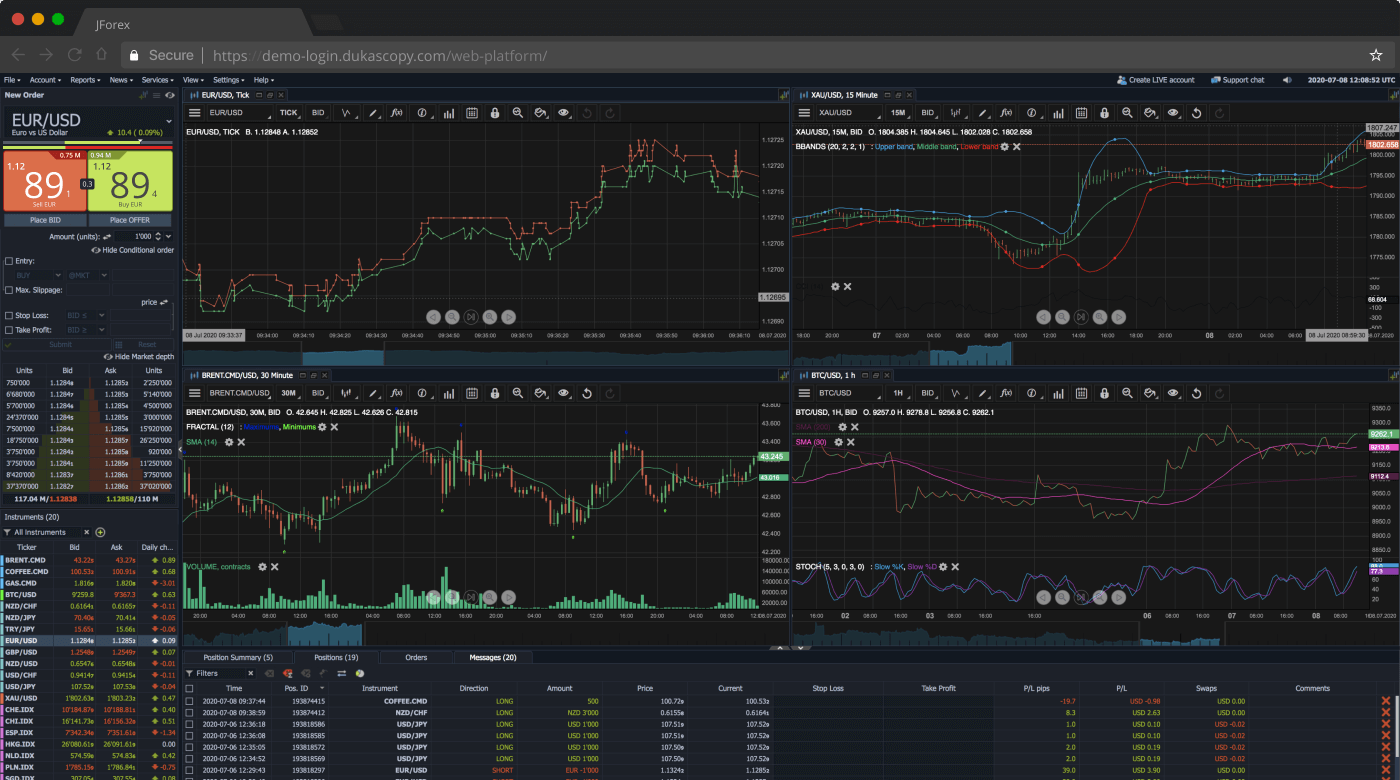
    • Manual, automated and chart trading
    • Wide range of technical indicators and analytical tools
    • Economic calendar and market news
    • Automated strategy execution on your computer or Strategy Server
    • Strategy testing with historical data
    • Renko, Range Bars, Point & Figure and Line Break charts
    • Plugin support
    • Multilingual user interface
    • Wide range of order types, including Market, Limit, Stop, Take Profit, Stop Loss, Stop Limit, Trailing Stop, OCO and more
    • Hedging and scalping supported
  • Choose from 68 indicators and chart studies.
    Cloud Storage

    Synchronize the Workspace

    Open your trading platform on any computer with your workspace layout and chart templates synchronized.

    Events are arranged by their priority.
    Web Charts

    Economic Events

    View economic event data and its impact directly on the chart.

    See amount in your account's basic currency or the % of your total exposure.
    Exposure

    Net exposure

    Monitor your exposure by asset, instrument or position. Develop more informed trading strategies.

    • Optimized for quick access
    • Manual and chart trading
    • 68 indicators and chart studies
    • Automated trading on Strategy Server
    • Live market news and calendars
    • Workspace saving on JCloud
    • Low technical requirements
    • Multilingual user interface
  • Everything is visible on one scale. No need to check the market.
    STOP LOSS & TAKE PROFIT

    KNOW WHEN TO REACT

    Respond to market changes by monitoring distance till your Take Profit & Stop Loss levels, opening price and current market price - all in one place.

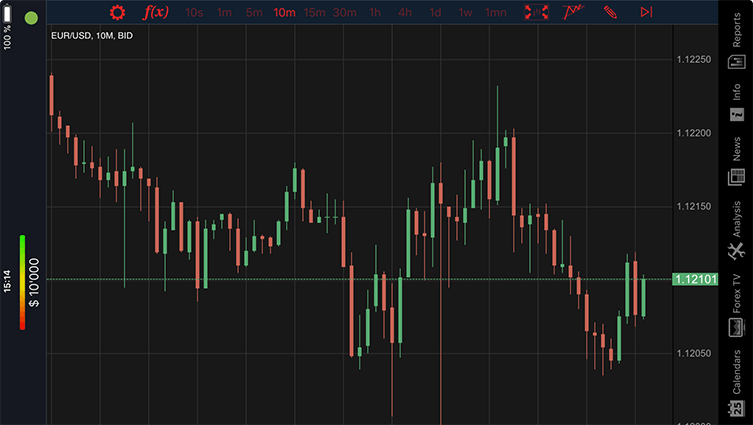
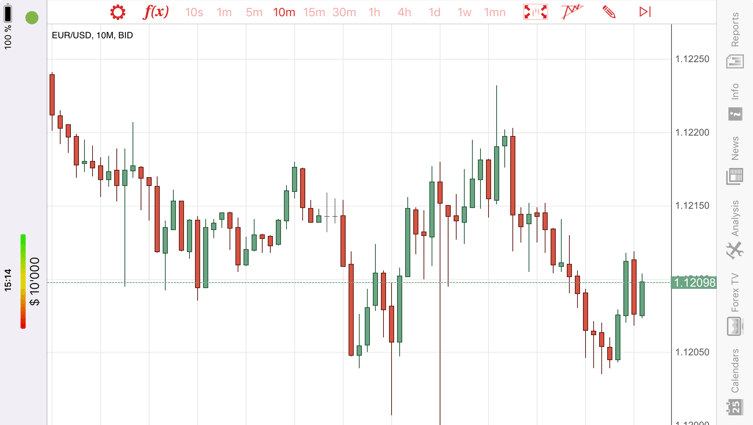
    Switch between timeframes, chart types and price sides in one click.
    CHARTS TAB

    Analyze. Draw. Trade.

    Great selection of indicators and drawing tools take your trading tothe next level.

    Monitor instrument’s daily percentage change.
    NAVIGATE the MARKET

    ALL ON ONE SCREEN

    Add your favorite Forex and CFD instruments and follow daily highs and lows.

    • Live, secure and persistent connection with server
    • Instant order execution
    • Wide range of trading orders (including stop / limit / bid offer )
    • OCO / merge functionality
    • Access to trading reports
    • Automated trading on Strategy Server
    • Live Charts with technical analysis
    • FX Market News
    • Economic Calendars
    • Dukascopy TV
    • Daily High/Low
    • Movers & Shakers
    • Pivot Point Levels
  • Functionality at Dukascopy JFOREX Apple iOS WEB Android
    Slippage control
    Place BID/Place OFFER orders(4)
    Hedging support
    (1)
    "Net Position(4)" mode
    Technical analysis tools
    (2)
    (2)
    (2)
    News and analytics toolstools
    Market Alerts
    Communication tools
    Automated trading (strategies builder)
    (3)
    Multi-lingual interface
    Customized settings
    Frequency of updates set-up
    Trailing Stop Orders
    (1)
    One-click Mode
    • 1 Client side only
    • 2 Only basic functionality
    • 3 Not supported by Dukascopy
    • 4 As defined at the top

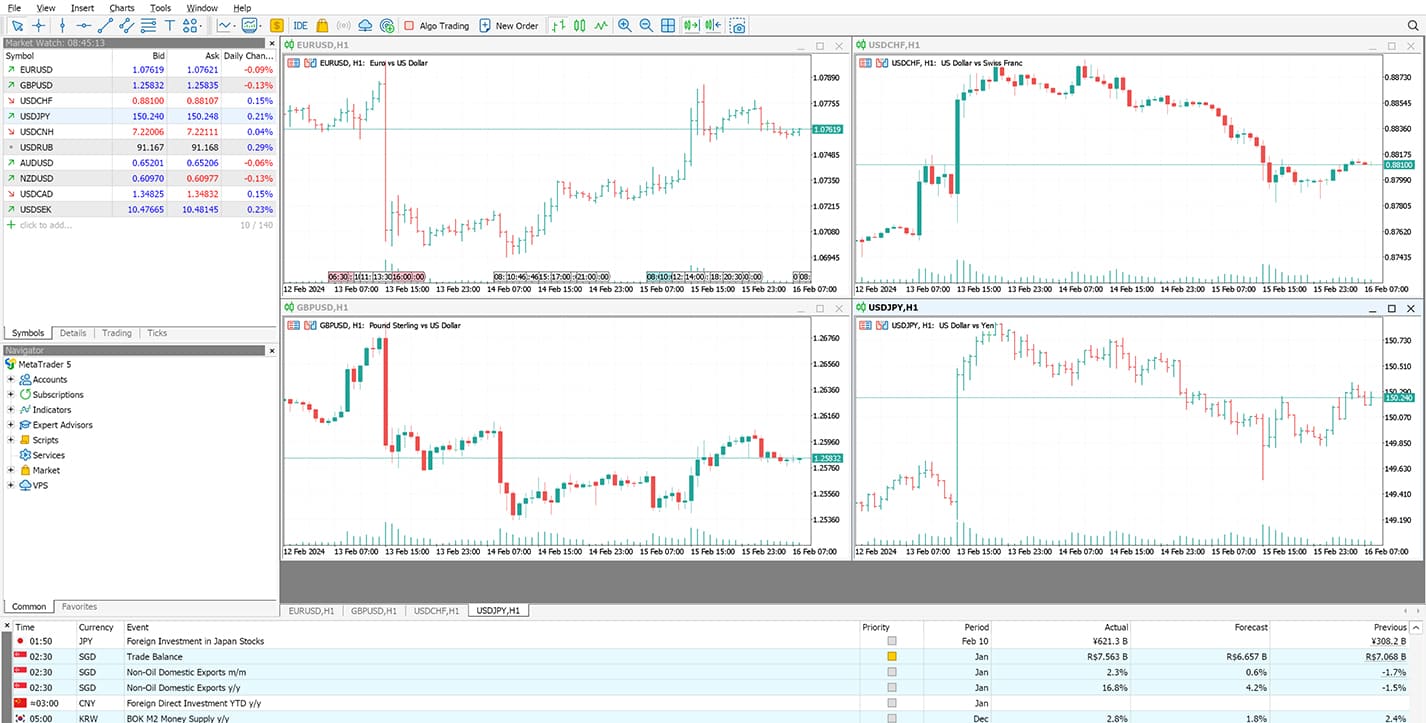
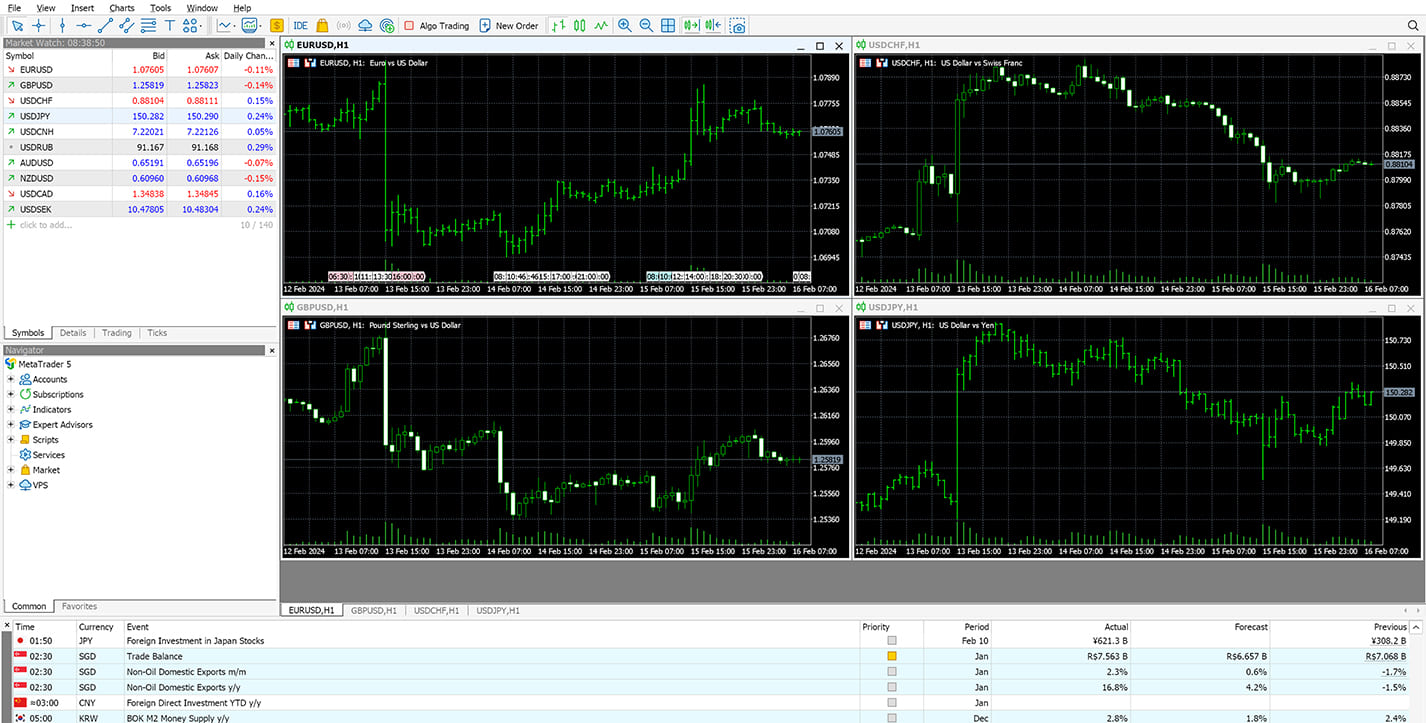
MT4 & MT5 descriptions

  • 108 currency pairs
  • Leverage up to 1:30
  • Automated Trading
  • Analytical objects
  • Variety of charts
  • Backtesting Capabilities

What's more

  • Simple Interface: Enjoy the clear and intuitive interface, which makes it easy to navigate for both beginners and seasoned traders.
  • Advanced charting suite: Go deeper with a wide range of technical indicators, drawing tools, and customisable timeframes.
  • Automated trading: Explore algorithmic trading with Expert Advisors (EAs) to streamline your approach.
  • Backtesting capabilities: Backtest your strategy on historical data to refine it before risking real capital.
  • Economic news: Track market news and analysis directly within the platform.
  • Customized trading experience: Tailor the interface to fit your trading style and preferences.

Dukascopy trading platforms provide access to Swiss Forex Marketplace (SWFX).

CFDs are complex instruments and come with a high risk of losing money rapidly due to leverage. 68.82% of retail investor accounts lose money when trading CFDs with this provider. Show more You should consider whether you understand how CFDs work and whether you can afford to take the high risk of losing your money. Show less